2 min read · Updated
Spaced repetition means reviewing something just as you're about to forget it, then waiting longer before the next review. It's one of the most reliable findings in learning research, and it's the engine behind most serious flashcard apps.
The spacing effect
The spacing effect is simple: the same amount of study is remembered better when it's spread out than when it's bunched together. A review of hundreds of studies by Cepeda and colleagues found the effect across ages, materials and test delays.
Each review after a gap does two things. It resets the forgetting curve, and it makes the curve fall more slowly the next time. So the gaps can keep growing: a day, then three days, then a week, then a month.
How long should the gaps be?
The best gap depends on how long you need to remember. In a large study, Cepeda and colleagues found that the ideal gap grows with the retention period: roughly 10–20% of the time until you need the memory, for periods of a week to a few months. For anything you want to keep for good, the gaps should keep growing.
In practice you don't need to calculate this yourself. That's what a spaced repetition algorithm is for.
How algorithms like SM-2 work
SM-2, published by Piotr Woźniak for the SuperMemo program, is the classic spaced repetition algorithm and the basis for many flashcard apps. It works card by card:
- After each review you rate how well you remembered the card.
- If you forgot it, the card starts over with a short interval.
- If you remembered it, the next interval is the previous one multiplied by the card's 'ease factor'.
- The ease factor goes down when a card is hard for you and up when it's easy, so each card ends up with its own rhythm.
The result is that easy cards drift months apart while difficult ones keep coming back until they stick.
Getting started
- Keep cards small: one fact, word or idea per card.
- Always try to recall before you reveal the answer.
- Rate honestly. Marking a card easy when it wasn't just means you'll forget it later.
- Do your reviews daily, even briefly. Missed days pile up.
How Braintain puts this into practice
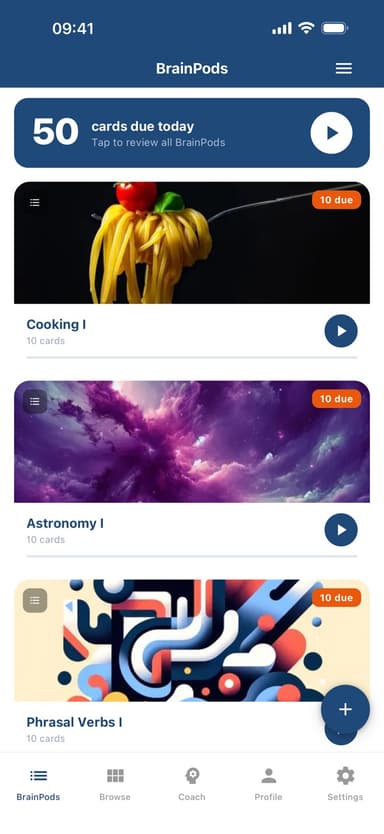
Braintain uses FSRS, a modern successor to SM-2 that estimates how well you know each card. After each card you tap Again, Hard, Good or Easy, and the card's next review is scheduled from that rating. Cards earn up to three stars as they move from New to Learning, Familiar and Mastered, and sessions stay short at 10 cards at most. A number on the app icon, and a home-screen widget on iPhone, show the size of your next session.